Help center writing, design & development

Web App Help Center Design & Development

We wrote, designed and built the Dresscode help center: 49 step-by-step guides that let members find answers on their own.

usedresscode.com/help
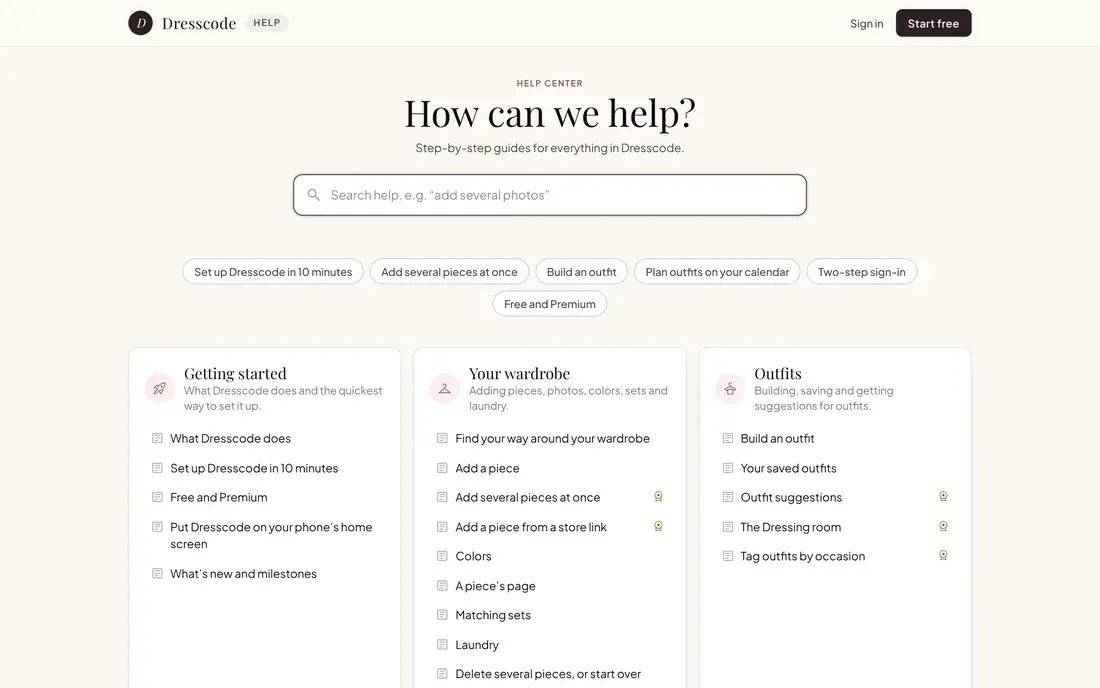
Dresscode help center home on desktop
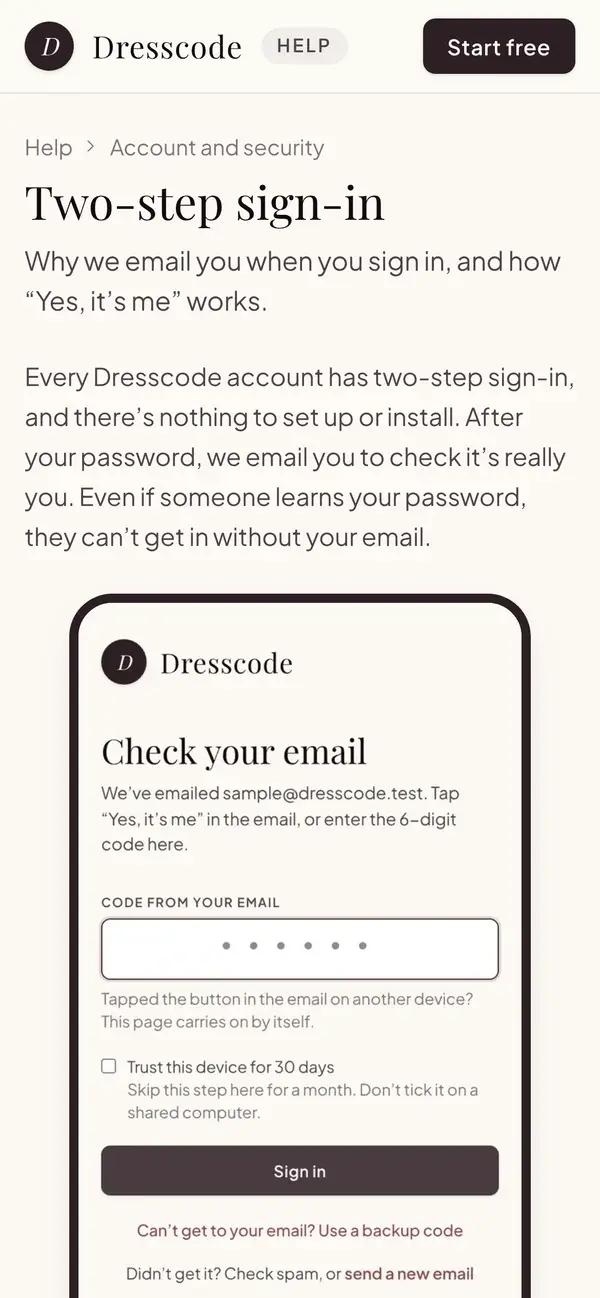
Dresscode Two-step sign-in guide on a phone
//Writing//Design//Development
2026
49Step-by-step guides, written for members
9 topicsFrom getting started to Premium and billing
15Guides with a screenshot of the app
Instant searchResults appear as you type

+ 01 //The client

Answers members can find on their own

Dresscode does a lot: the wardrobe, outfits, a weekly planner, storage, insights, Premium and billing. Members need a quick way to learn each part without waiting on an email.

Eternal Works wrote every guide, designed the help center and built it into the Dresscode site.

DDresscode

An outfit planner for people who want to get dressed faster and wear more of what they already own. Members snap their clothes, build outfits and plan their week on a phone, tablet or computer.

usedresscode.com →

+ 02 //What we built

Everything a member needs to help themselves

Anyone can read the help center, signed in or not. Each card below is one part of it.

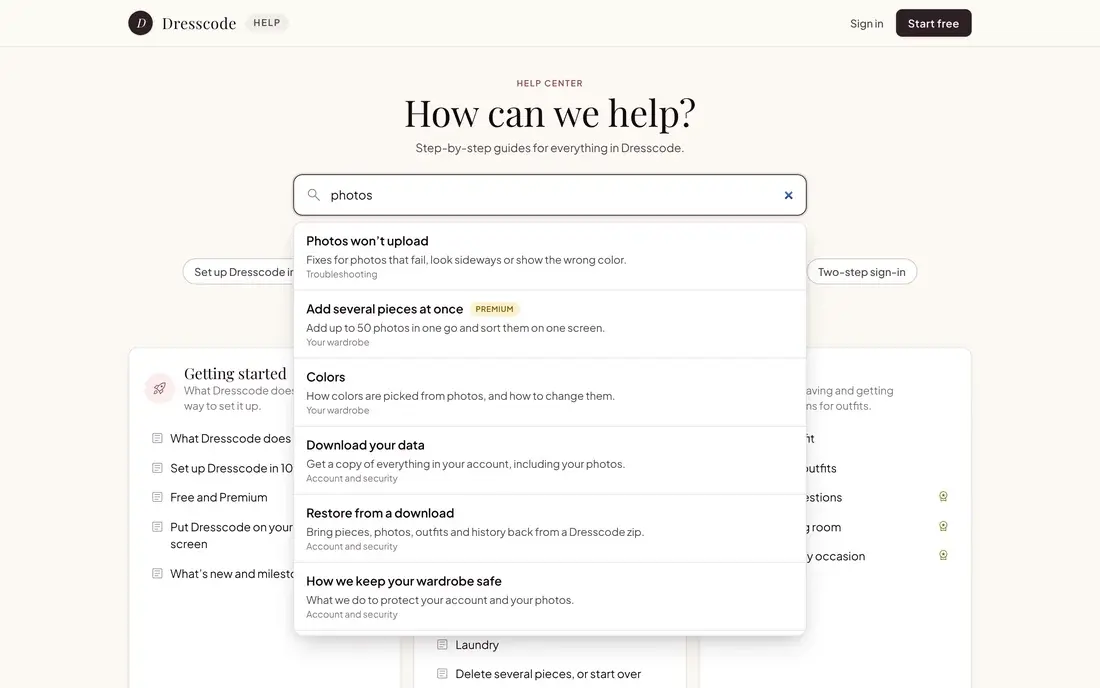
Dresscode help search showing results for photos

01

Search as you type

Results appear while you type, with the topic each guide is in and a Premium label where it applies.


Popular guides under the help center search

02

Popular guides up front

Six popular guides sit right under the search box, from setting up in 10 minutes to Free and Premium.
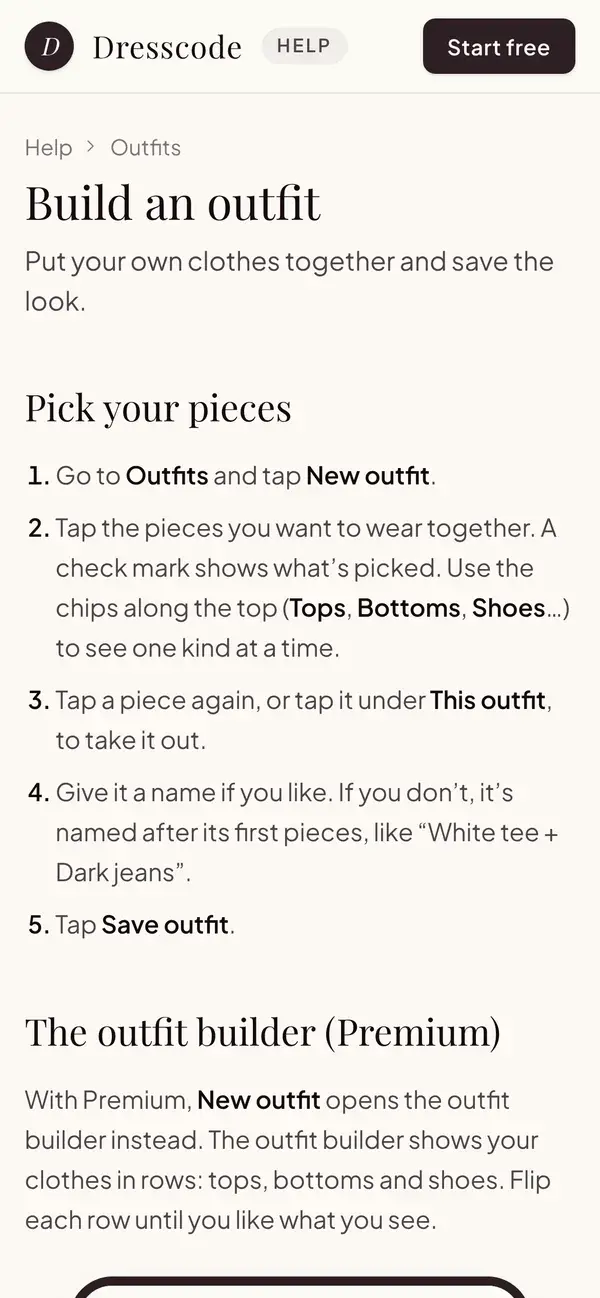
Build an outfit guide on a phone

03

Step-by-step guides

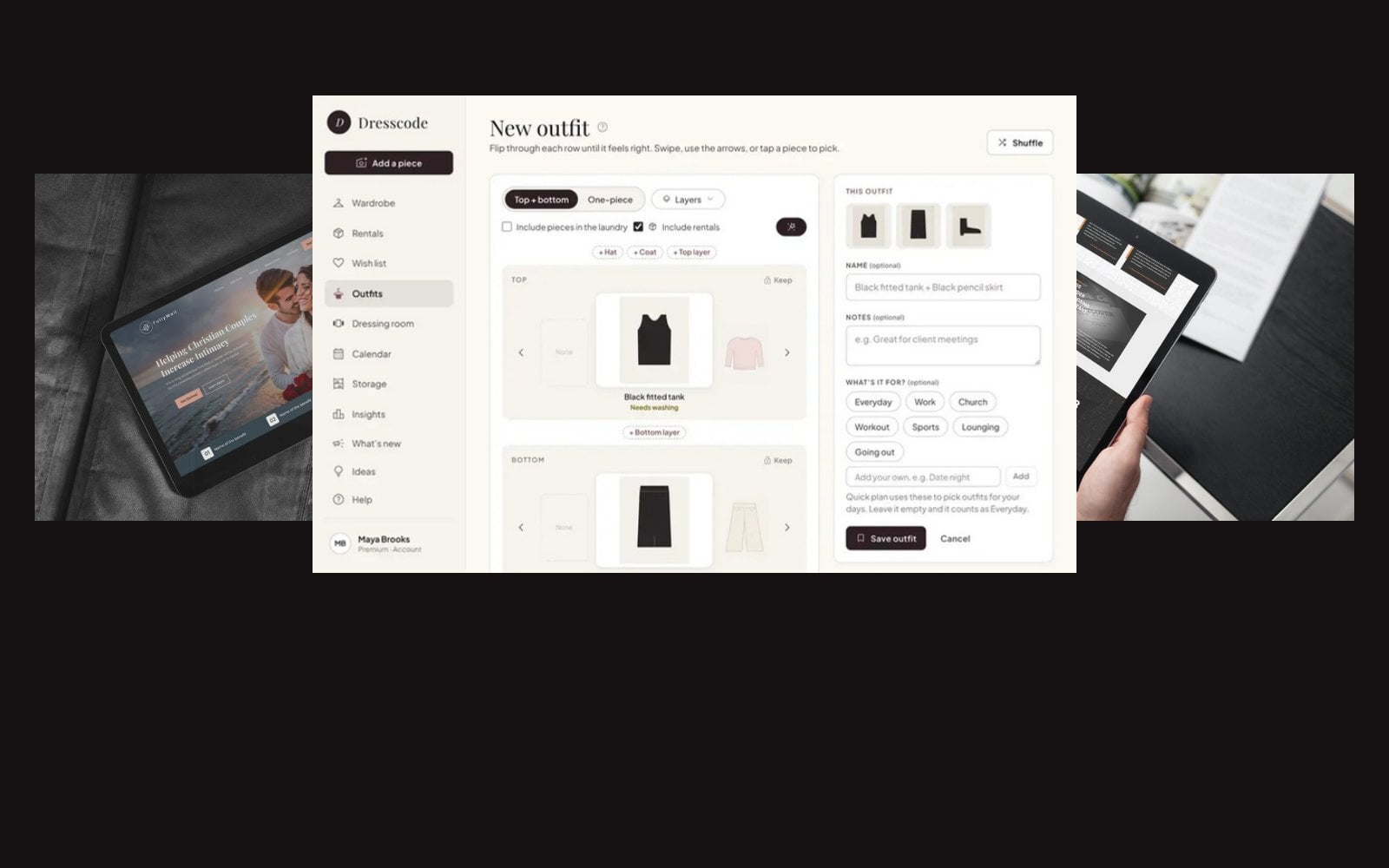
Each guide covers one task in plain, numbered steps, with a screenshot of the app where it helps.
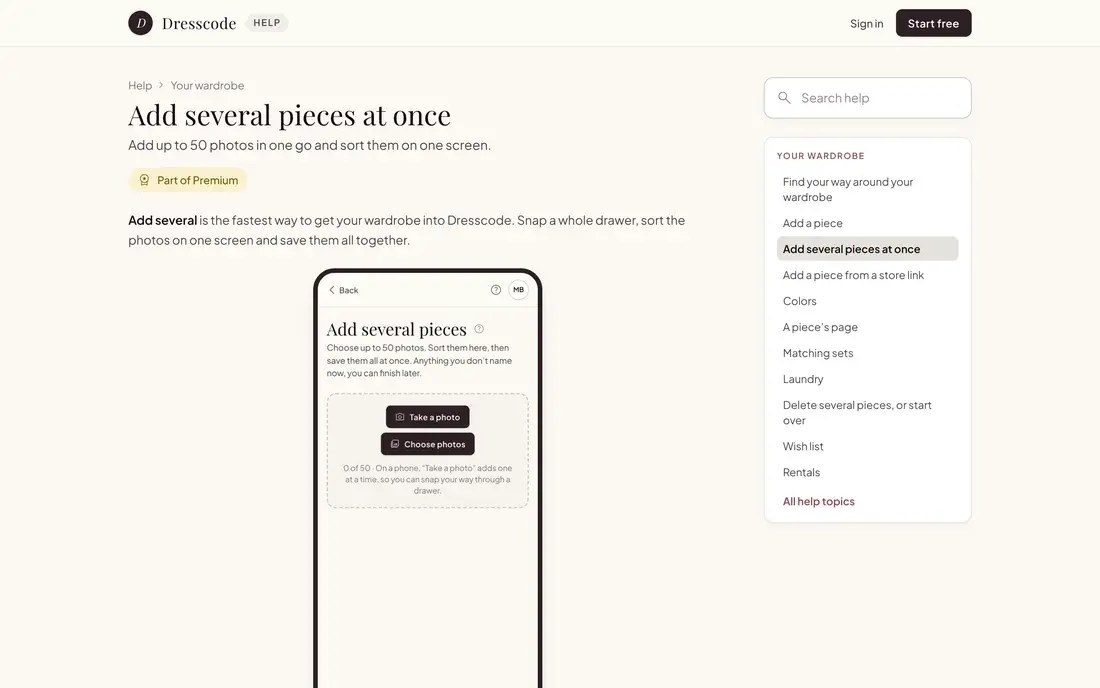
Guide marked Part of Premium

04

Premium is clearly marked

Guides for Premium features carry a Part of Premium label, so free members know what's included.
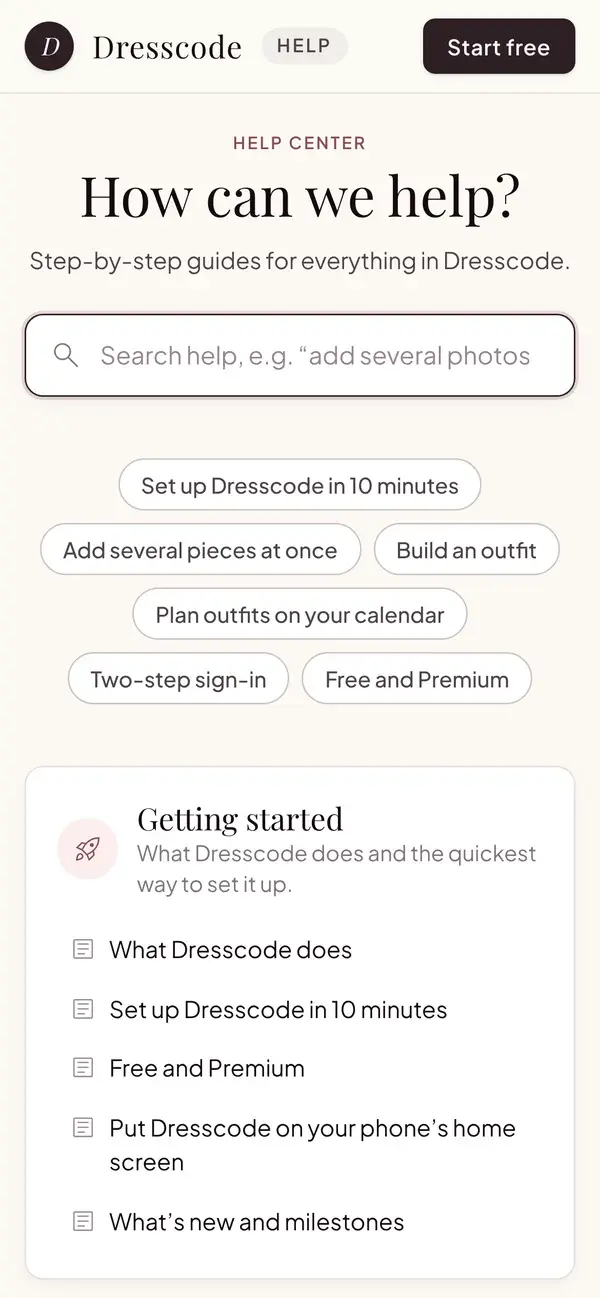
Dresscode help center home on a phone

05

A real person when needed

If a guide doesn't solve it, Still stuck? points members to email, where a real person helps.

+ 03 //How we planned it

Organized the way members use the app

We sorted the 49 guides into 9 topics, from Getting started to Troubleshooting. Each guide has a one-line summary, links to related guides and search words for the way people actually type, so the right answer turns up fast.

Every page of the app links straight to its own guide. The Premium labels, plan limits and prices in the guides come from the app’s own plan settings, so the guides stay right when a plan changes. A guide for a service that isn’t open yet stays hidden until it opens.

The 9 topics

  • Getting startedWhat Dresscode does and the quickest way to set it up.
  • Your wardrobeAdding pieces, photos, colors, sets and laundry.
  • OutfitsBuilding, saving and getting suggestions for outfits.
  • Planning your weekThe calendar, Quick plan, repeats and what counts as worn.
  • StorageKnowing where every piece lives.
  • InsightsWhat you wear, what you don’t, and cost per wear.
  • Account and securitySigning in, two-step, emails and your data.
  • Premium and billingWhat Premium adds, paying, switching and cancelling.
  • TroubleshootingQuick fixes when something isn’t working.

+ 04 //The help center

Designed for every screen

The same help center, from the phone in your hand to the laptop on your desk.

usedresscode.com/help
Help center home on desktop

Help center homeDesktop

Help center home on a phone

Help center homePhone

Two-step sign-in guide on a phone

Two-step sign-inPhone

usedresscode.com/help
Search results on desktop

SearchDesktop

usedresscode.com/help
Add several pieces guide on desktop

Add several pieces at onceDesktop

Build an outfit guide on a phone

Build an outfitPhone

Customers asking the same questions? Let’s build your help center.

Tell us what your customers need to know. We’ll write the guides, design the help center and build it into your site.

usedresscode.com/help
Dresscode help center home on desktop
Dresscode help center home on a phone