01
An opening rail
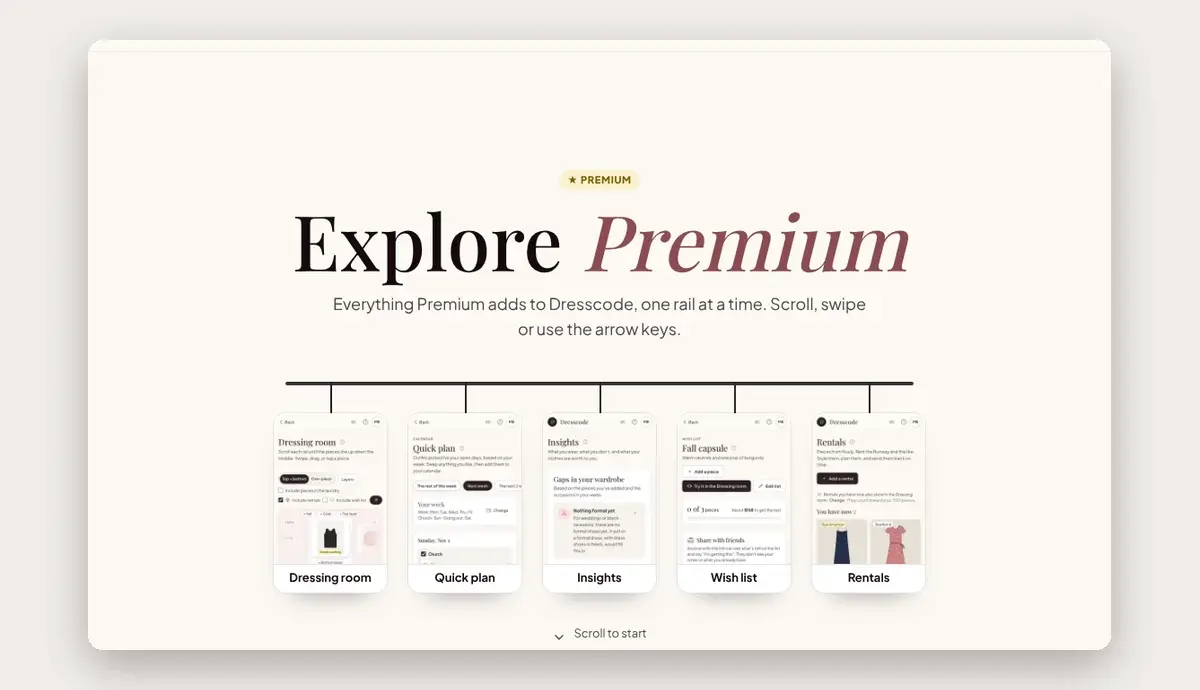
The tour opens with five features hanging on a rail: the Dressing room, Quick plan, Insights, Wish list and Rentals. Tap one to jump straight to it.


Interactive product tour
We designed and built Explore Premium, an interactive tour that walks Dresscode visitors through all 18 Premium features, one swipe at a time, on a phone or a computer.


01
The tour opens with five features hanging on a rail: the Dressing room, Quick plan, Insights, Wish list and Rentals. Tap one to jump straight to it.
02
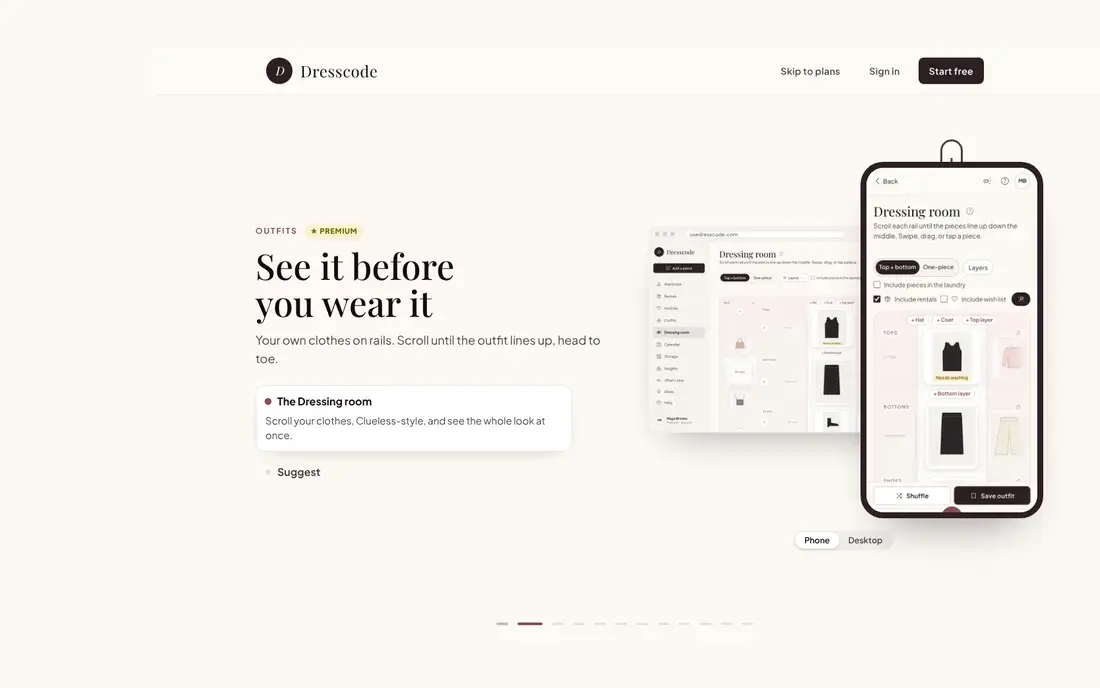
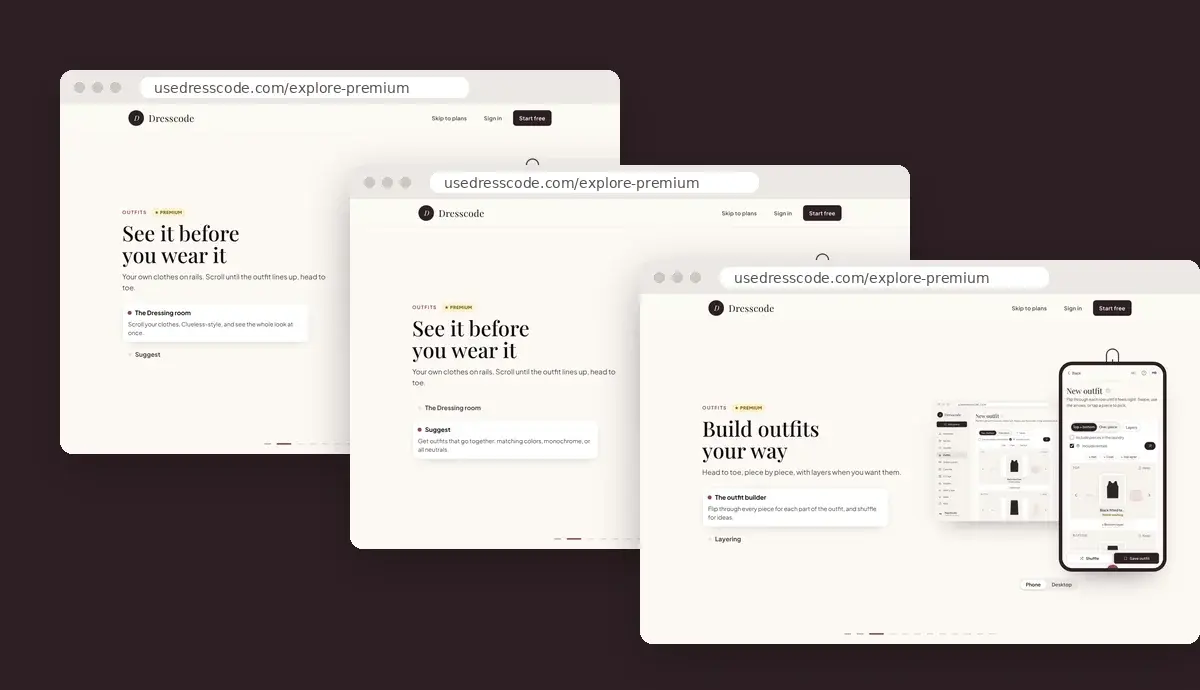
The page never scrolls. Each scroll, swipe or arrow key moves one stop, through 10 chapters and 18 features, with a progress bar along the bottom.
03
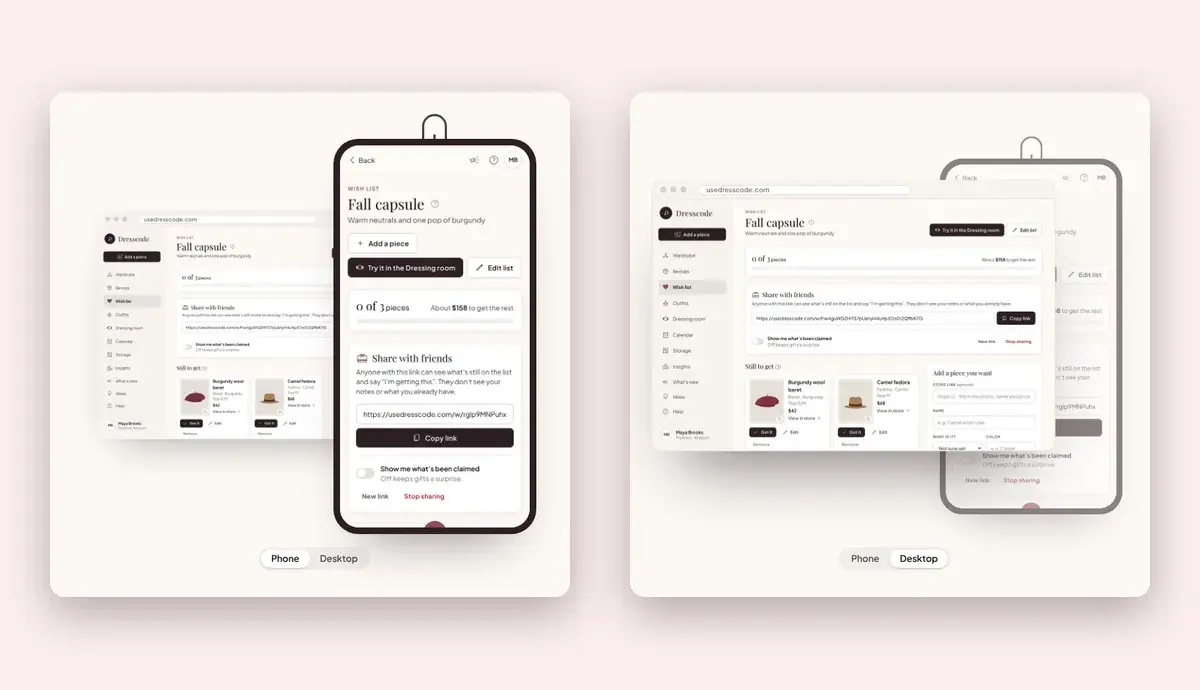
Every feature has a phone screen and a computer screen. The computer hangs behind the phone, and one tap on Desktop swings it to the front.
04
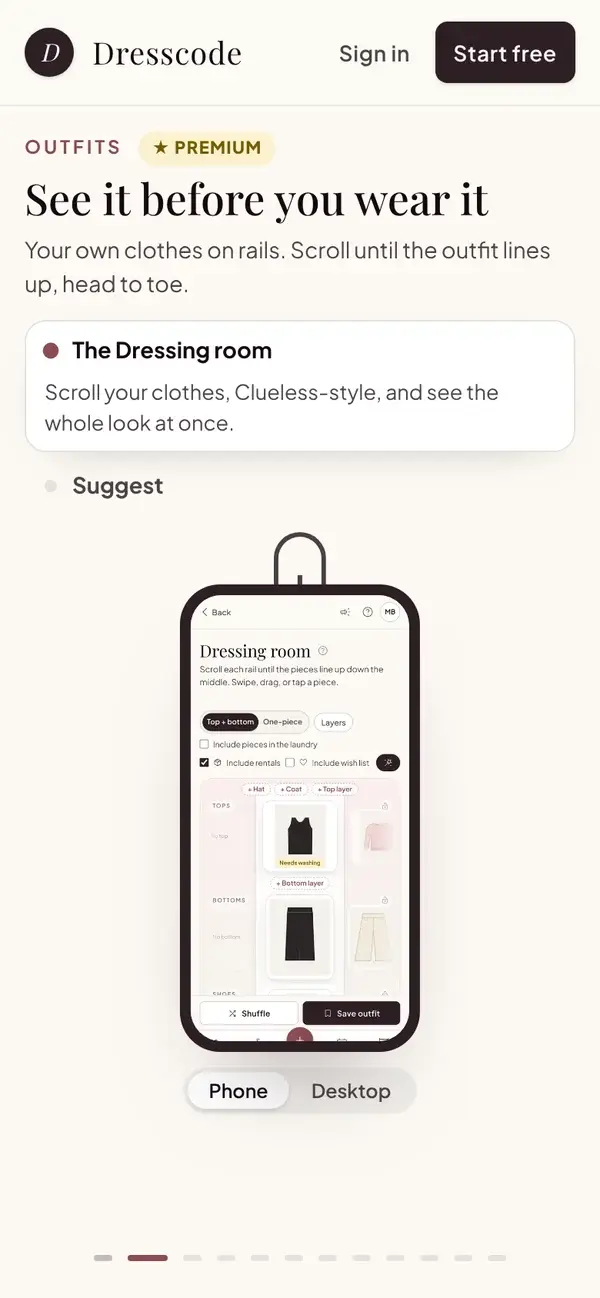
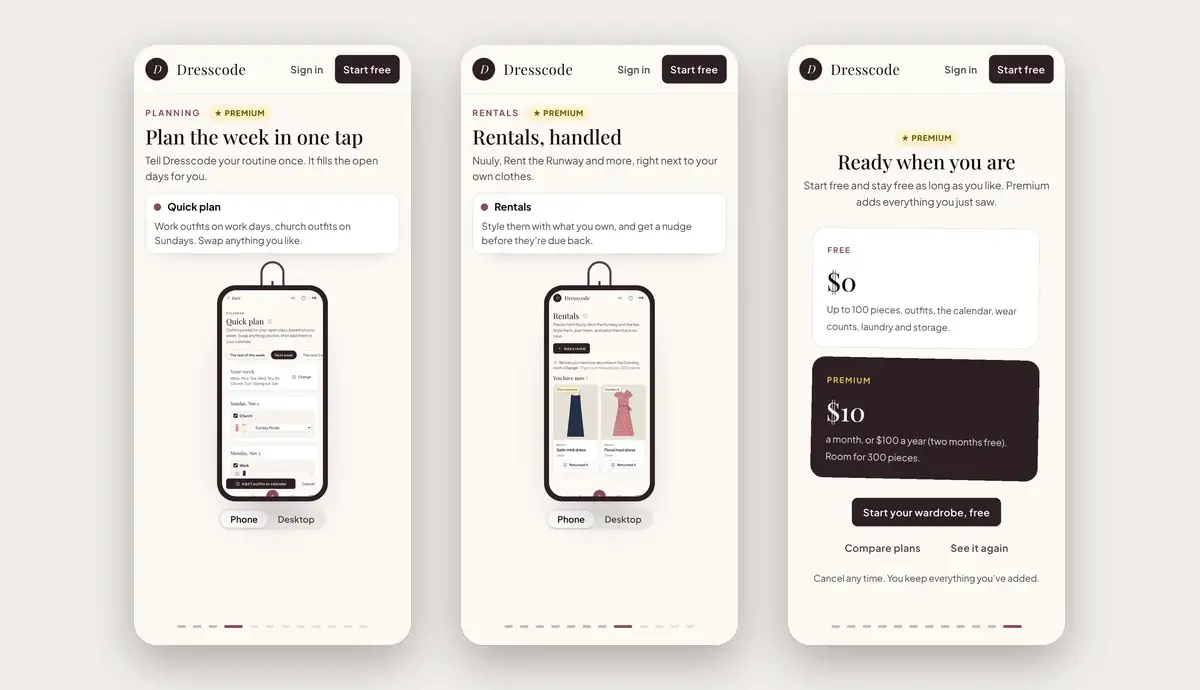
On a phone, the same tour works with a swipe, with the words on top and the screen below.
05
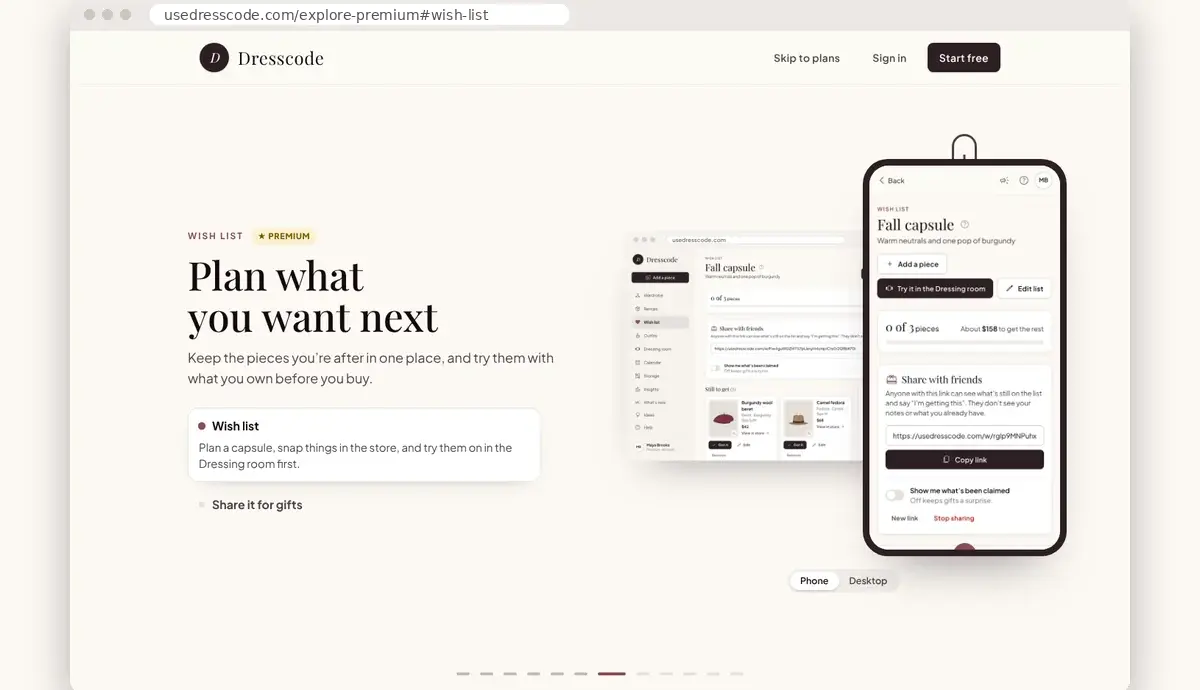
Each chapter has its own link, like /explore-premium#wish-list, so a link can open the tour on one feature.
06
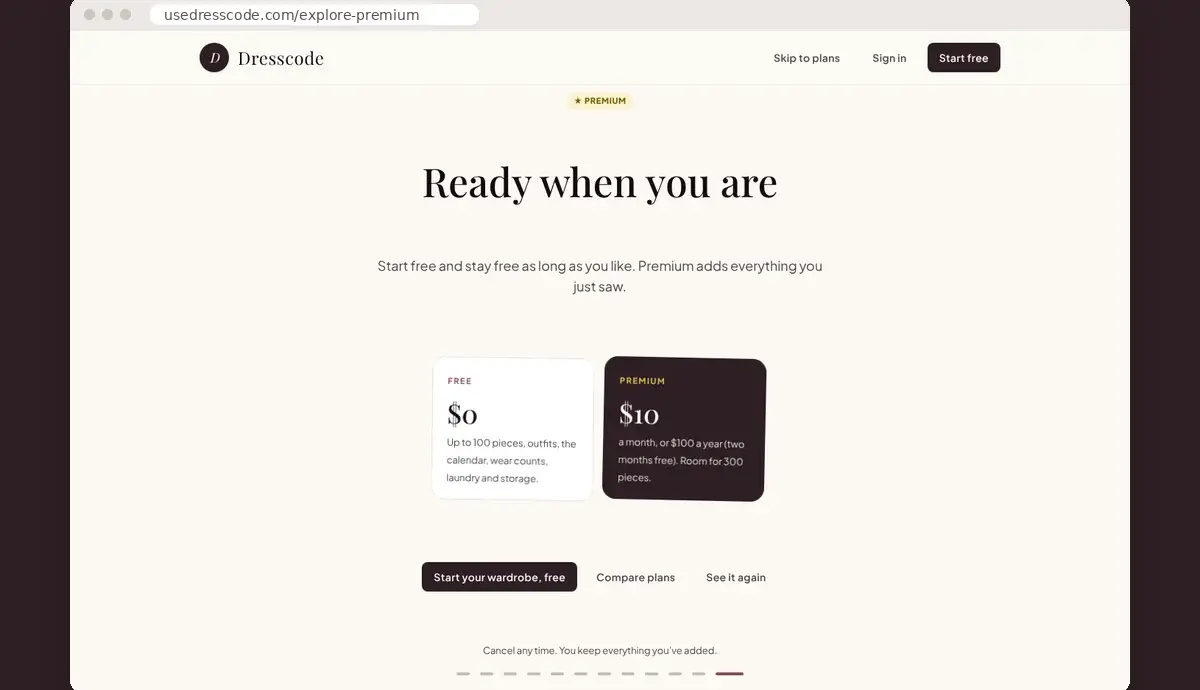
The tour ends with Free and Premium side by side and one button to start. Members who already have Premium see a thank-you instead.
+ 05 //The chapters
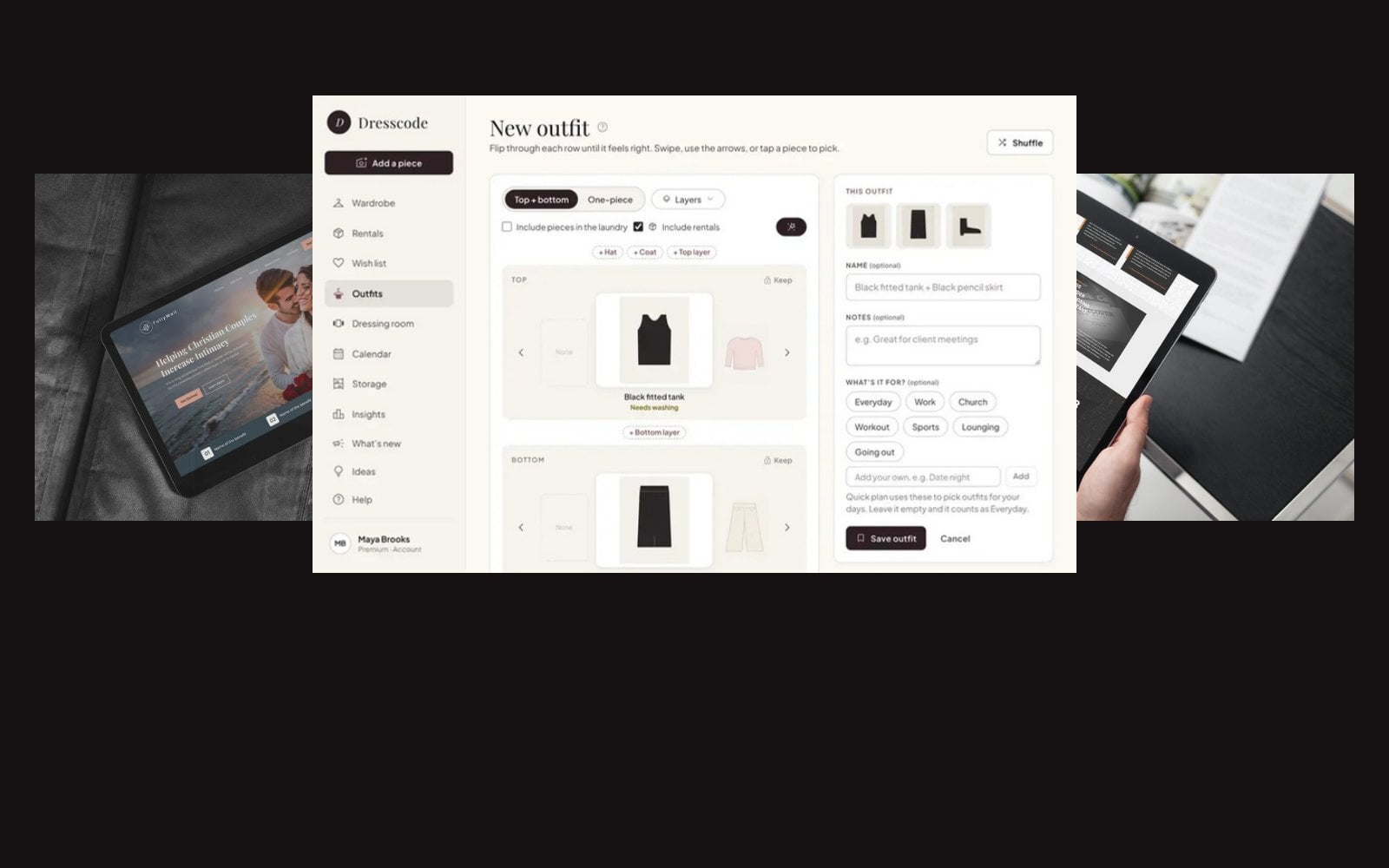
Ten chapters, each showing the app the way members see it.
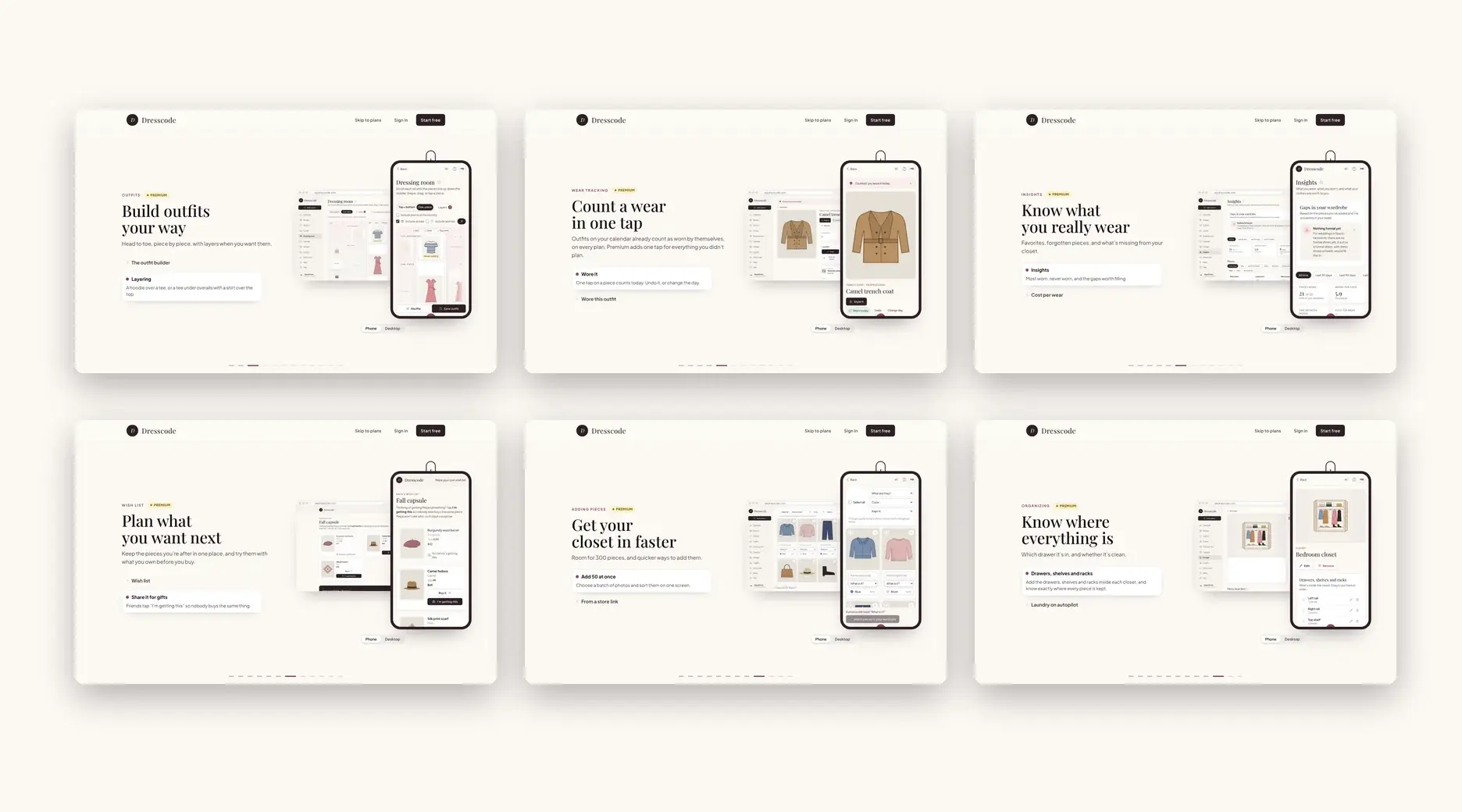
Six of the ten chaptersDesktop
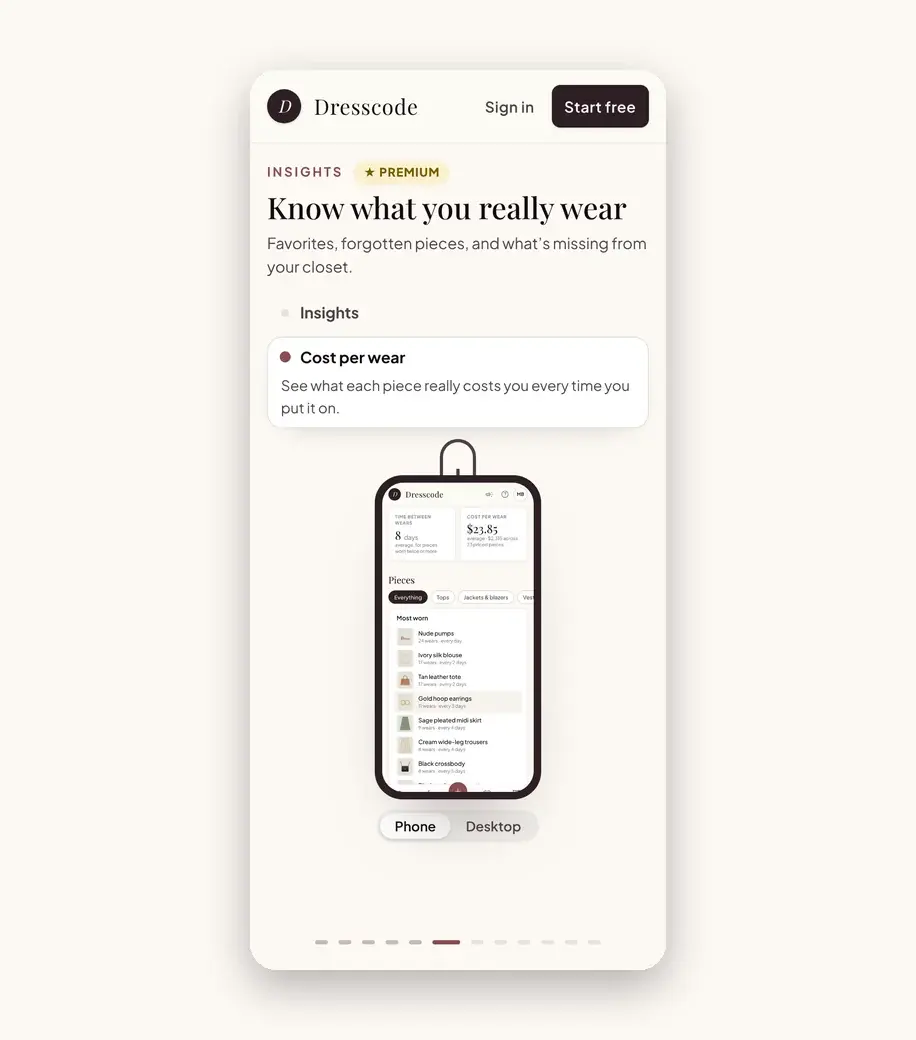
Cost per wearPhone
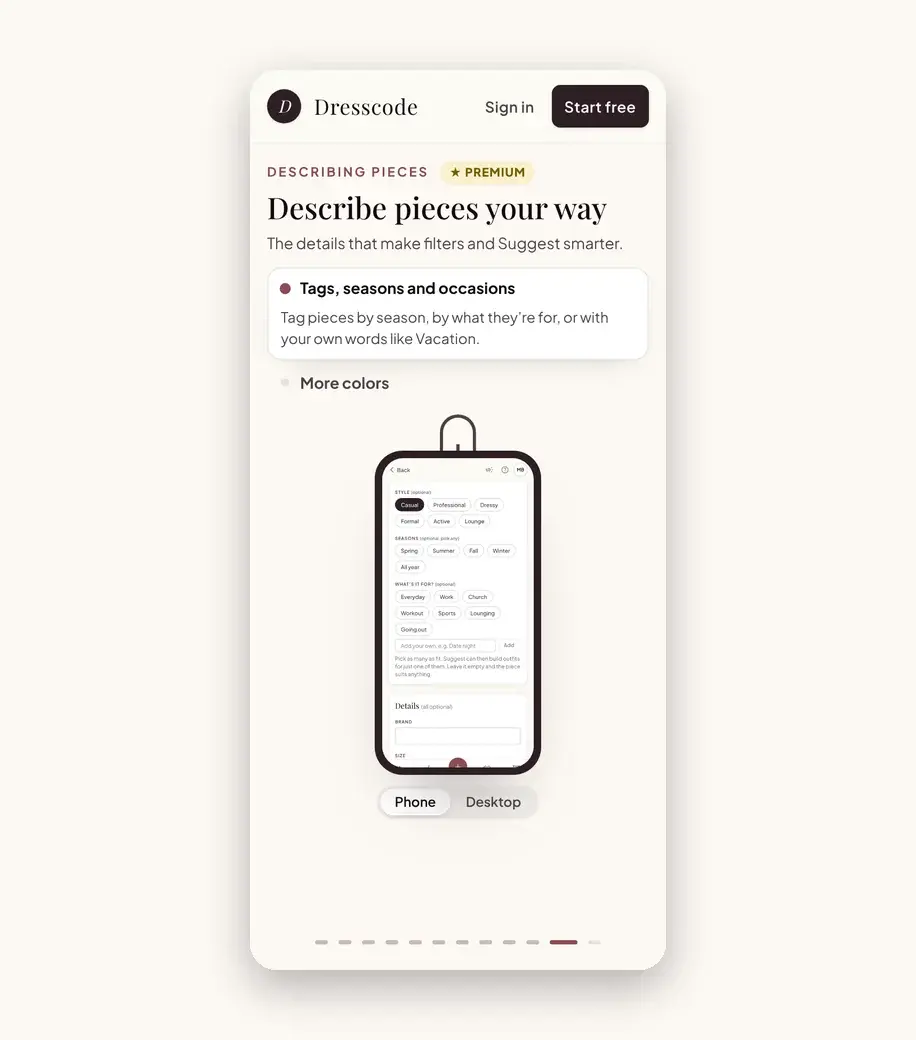
Tags, seasons and occasionsPhone
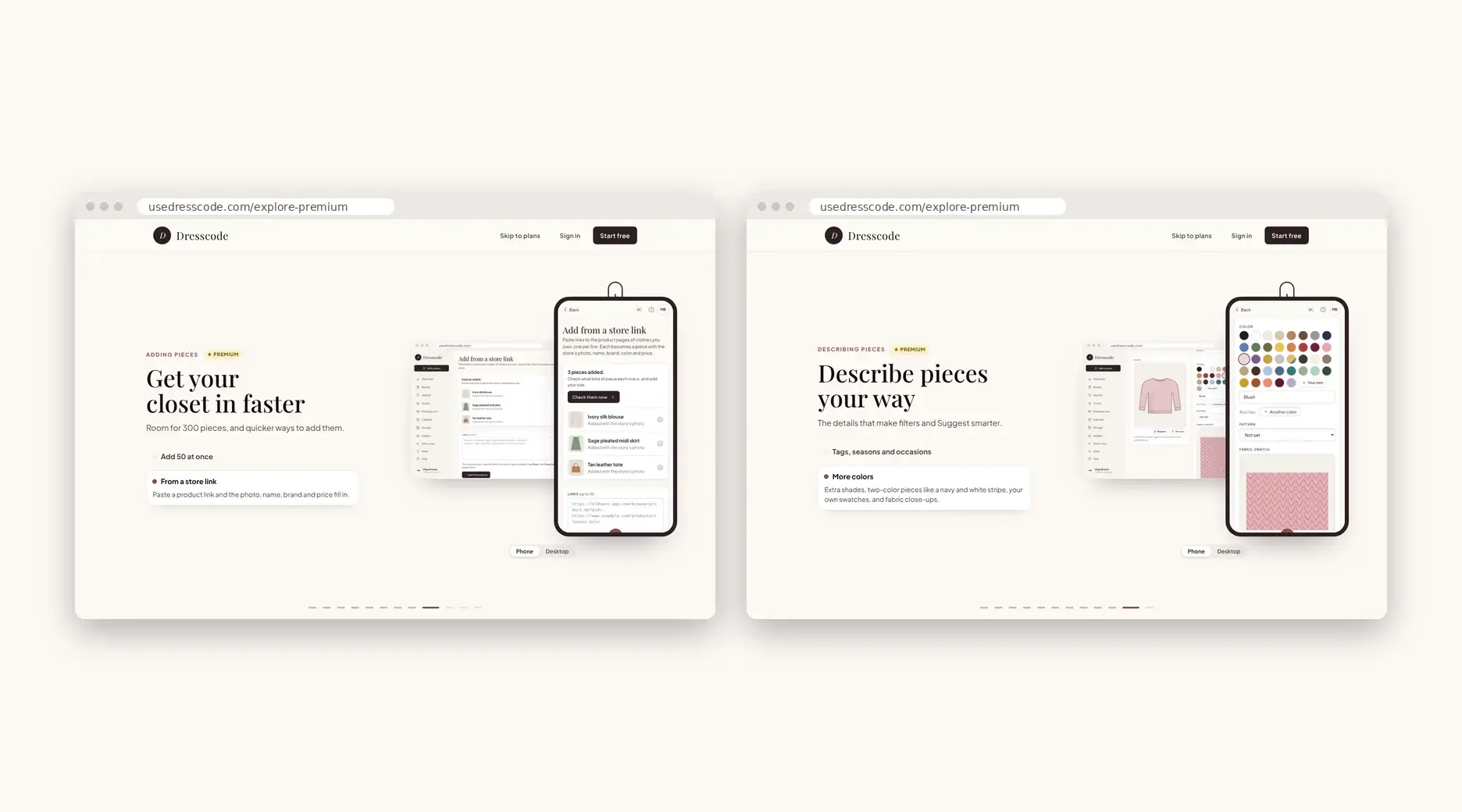
From a store link and More colorsDesktop
+ 06 //More work
Tell us what your product does. We’ll design and build a tour that shows it off, one feature at a time.